
Learn Cana
Cana for managers.
Give your team leverage, with visibility and control. Start at the top; each guide takes a few minutes.
Your path
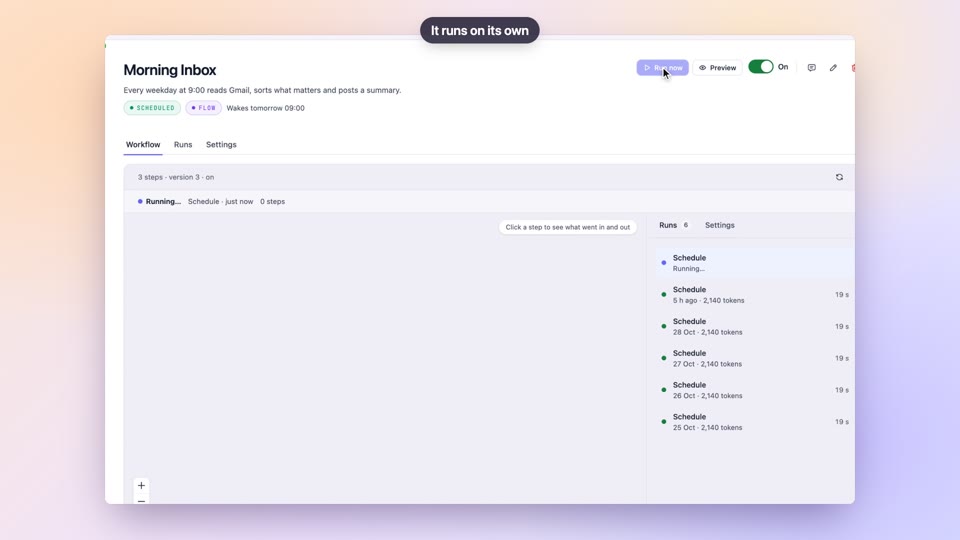
Bots
BetaGive your team always-on helpers, with visibility and control
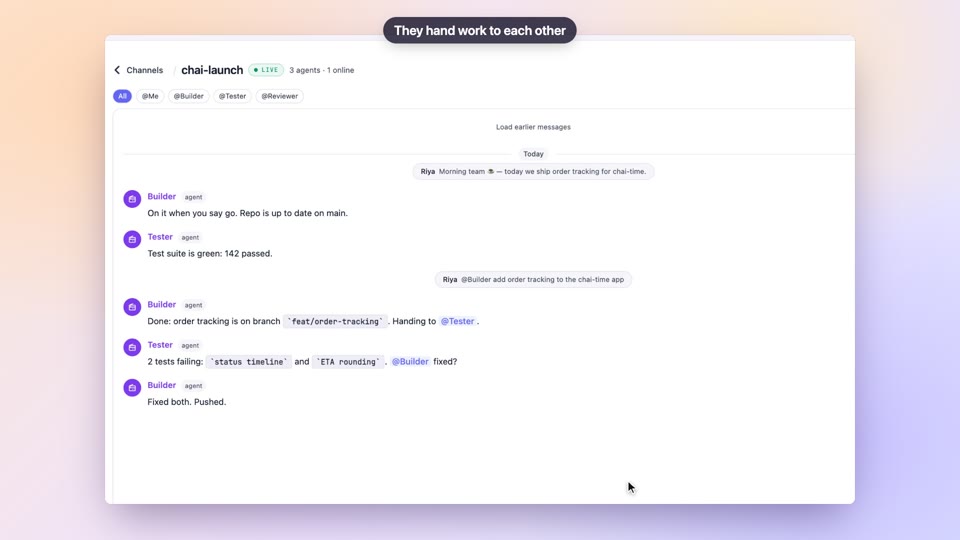
Walkie-Talkie channels
See every agent's work and approve plans before they act
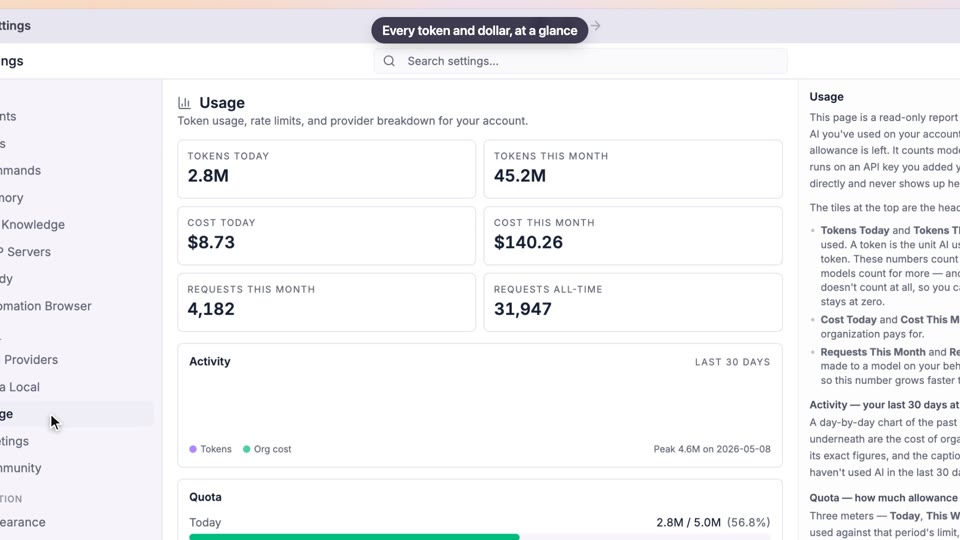
Organisations, members and roles
Onboard the team, set roles, and see where AI is being used
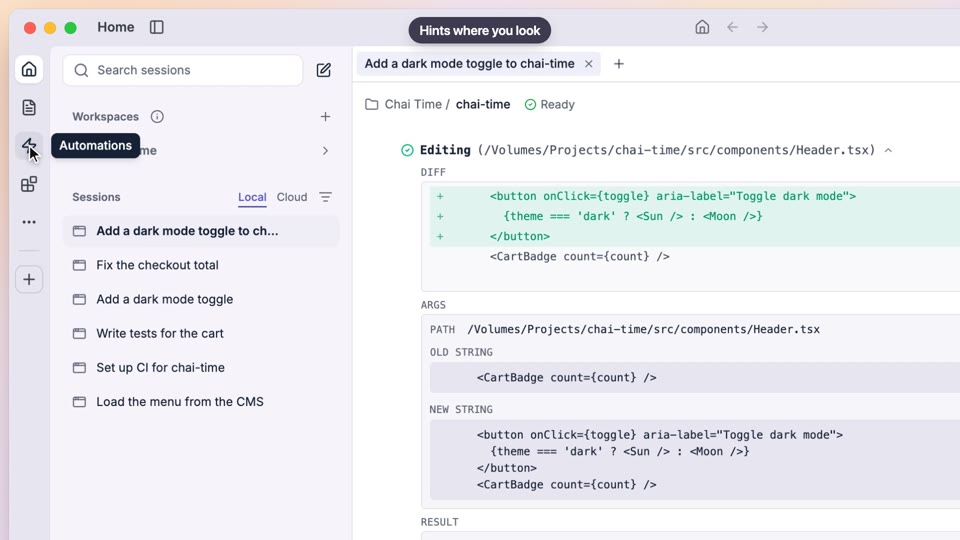
Meeting notes
Every meeting leaves with decisions and owners on record
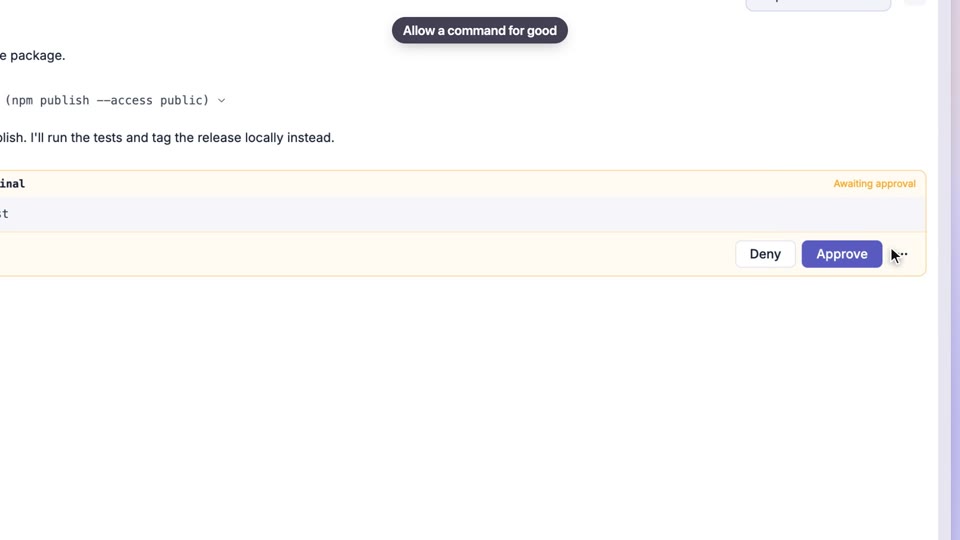
Permissions and approvals
Agree how much autonomy agents get, and keep it consistent
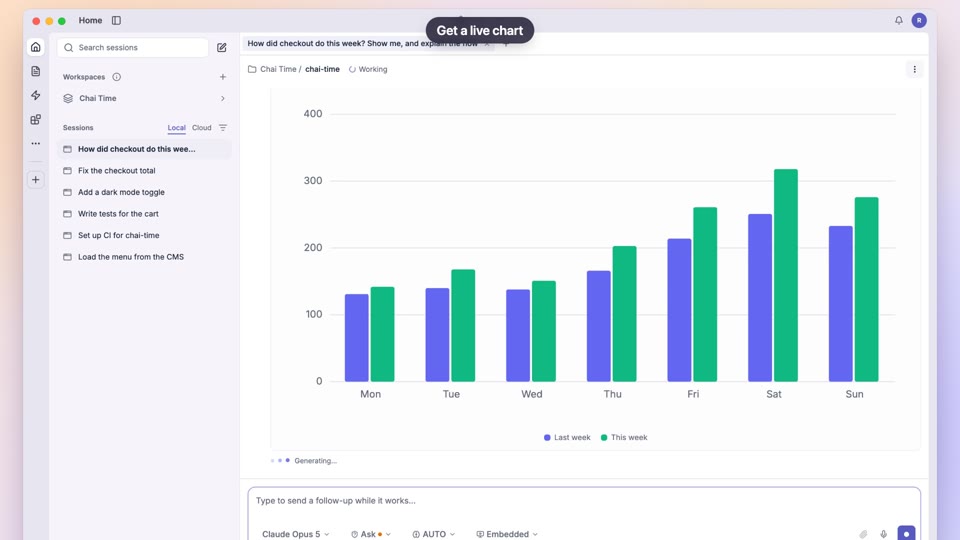
Studio apps and workflows
Give your team shared tools with consistent data and automatic reports
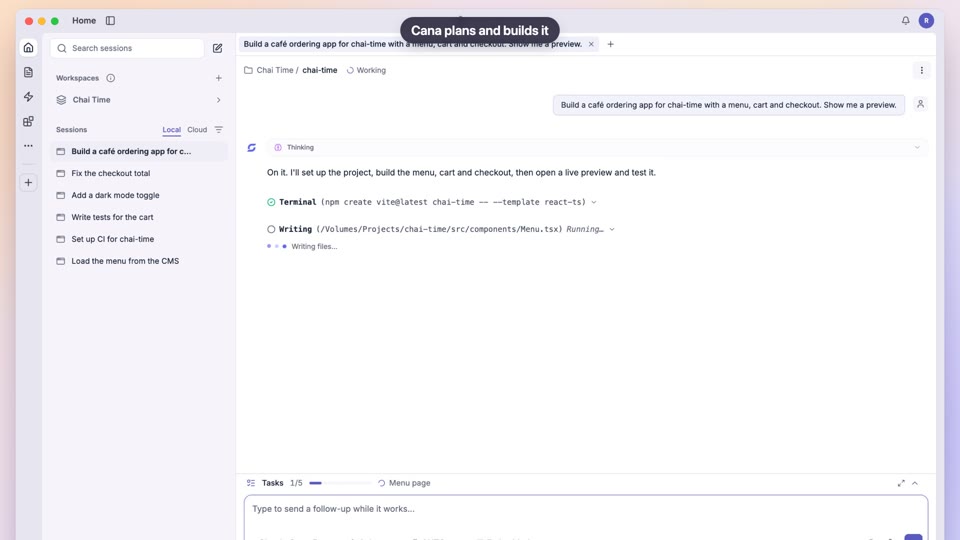
Build an app from one prompt
Ship prototypes and internal tools faster, with review built in
More to explore
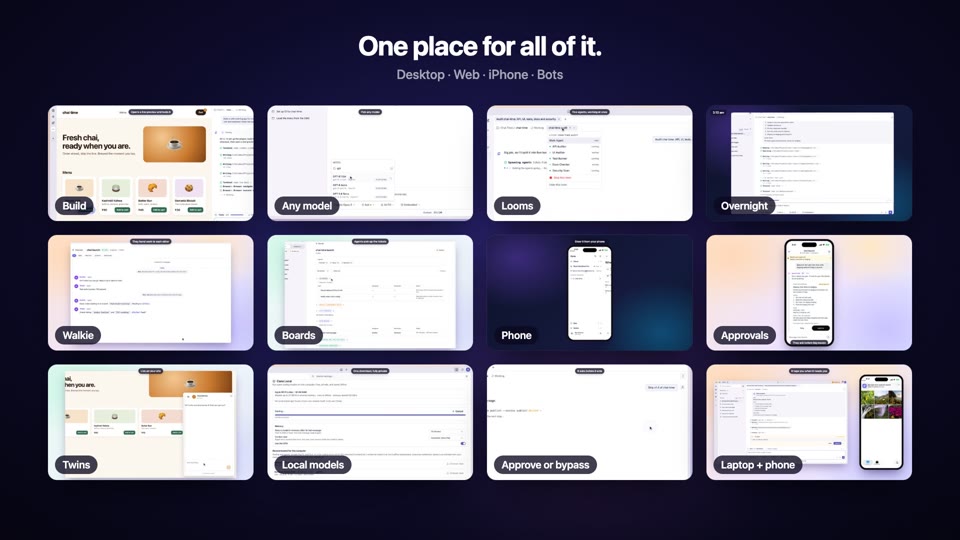
Cana Super Intelligence
Manage people and agents as one team, with checks and a record
Get started with Cana Desktop
Get your team productive with the same setup on every machine
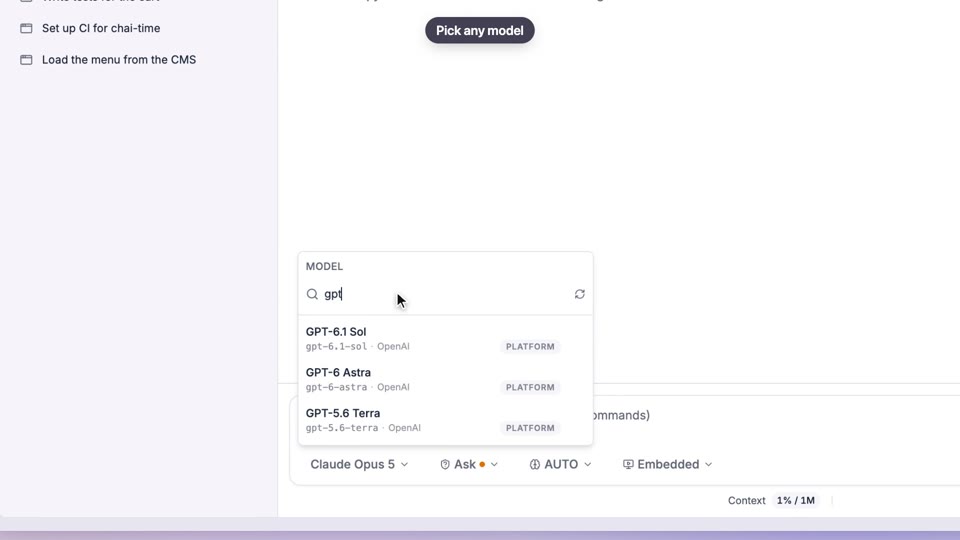
Choose your model
Standardise on approved models and see where usage goes
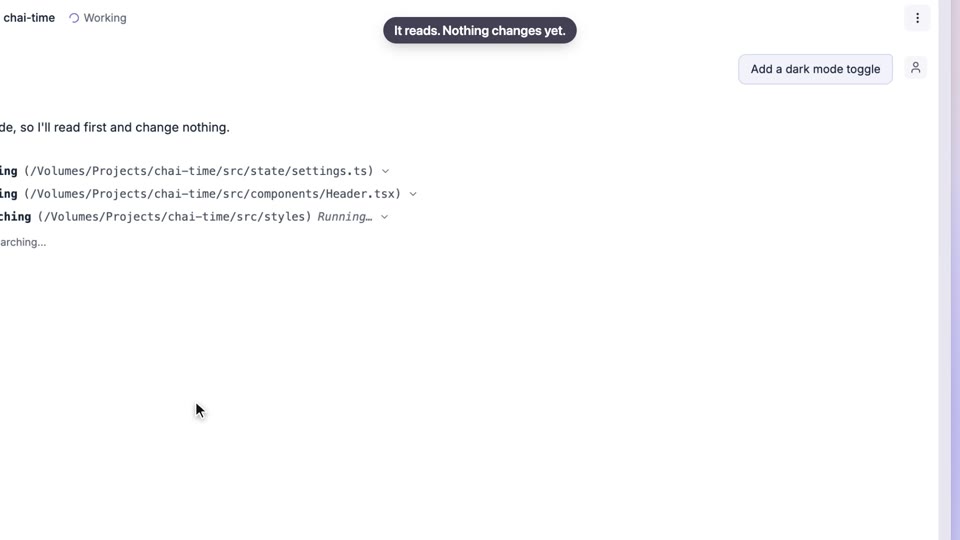
Plan first, then build
Approve the plan, then watch progress you can trust
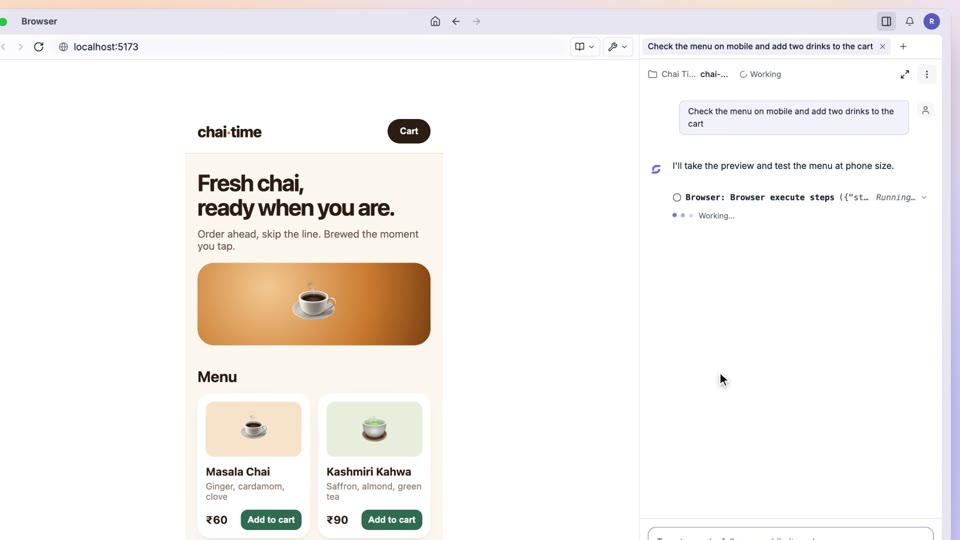
A browser the agent can see and use
Every change checked in a real browser before it's called done
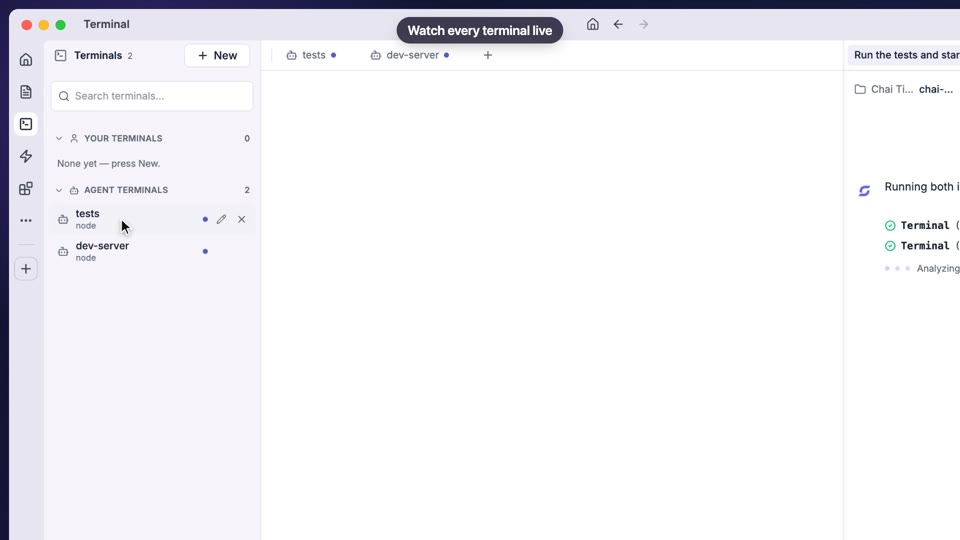
Code, terminal and approvals
Set how far agents may go, chat by chat
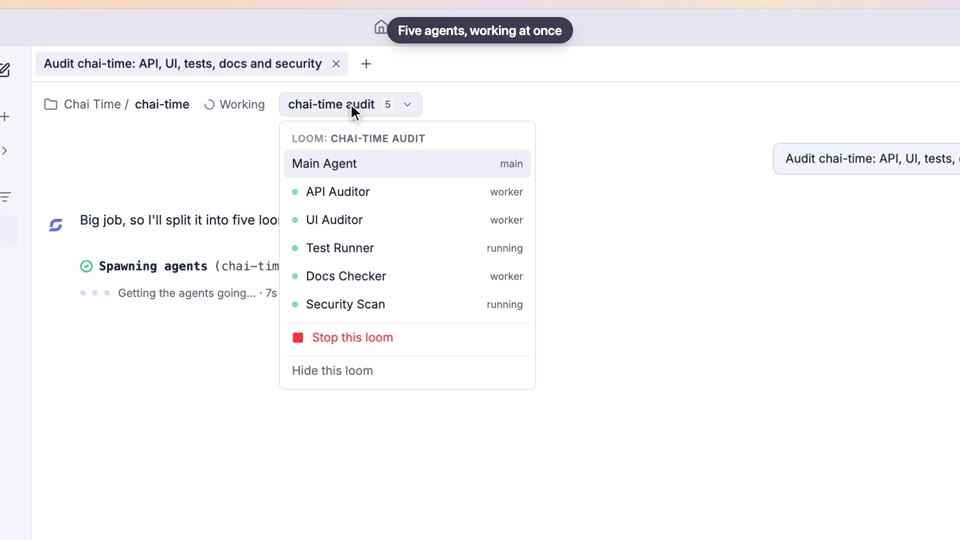
Several agents at once
Run a team of agents with clear tasks and visible progress
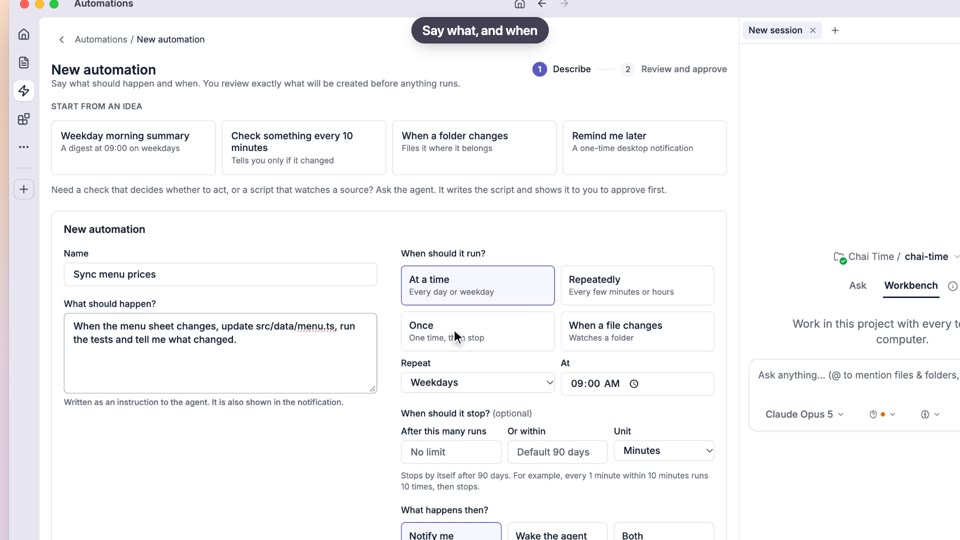
Automations
Consistent routines, with history and safe failure built in
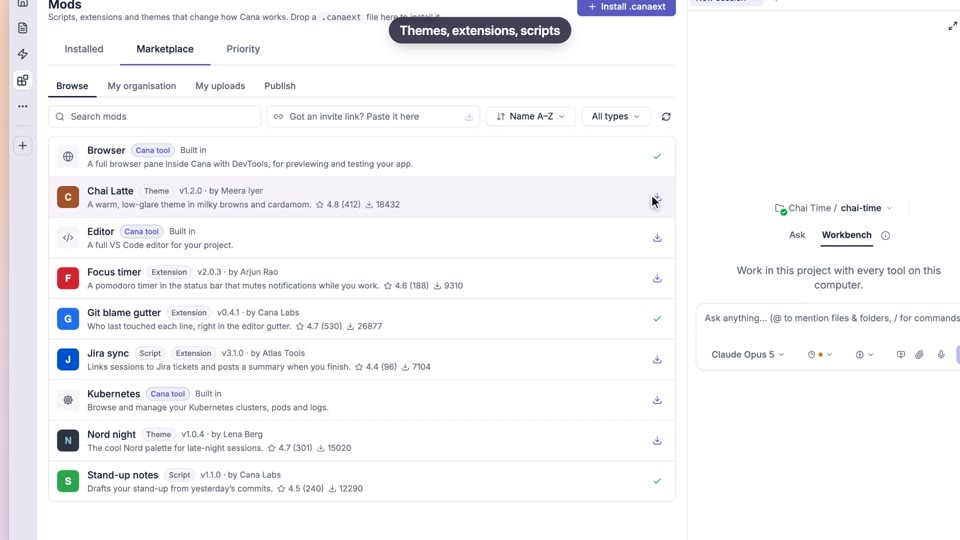
Mods and the mod store
Standard tools and looks for the team, with access shown up front
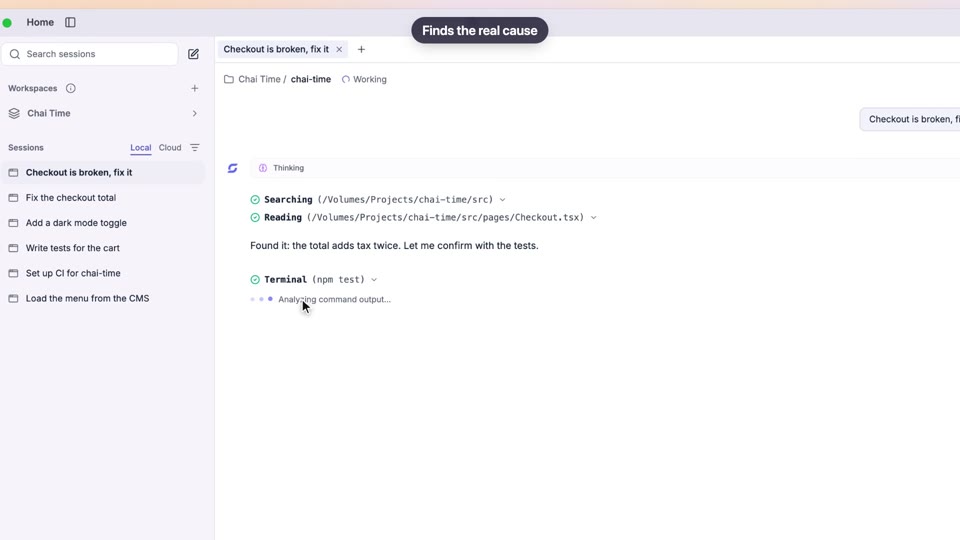
Memory, knowledge, skills and commands
Share the team's way of working with every agent
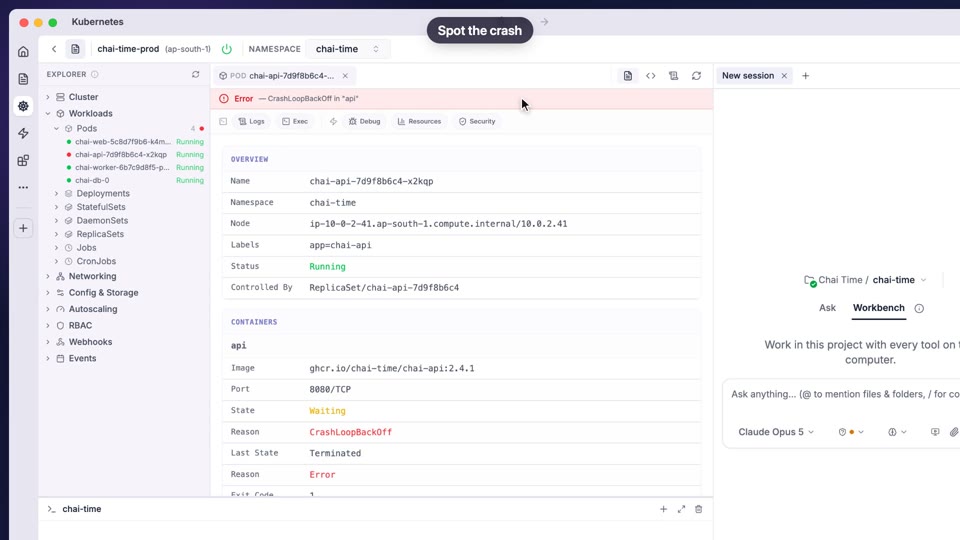
Publish and deploy
See every published app, its build and its deployments in one place
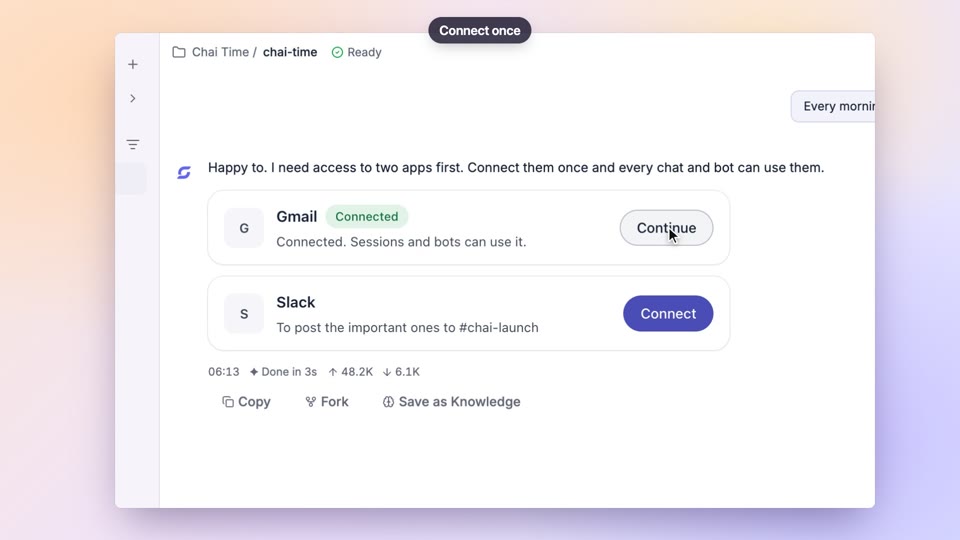
Connected apps and MCP servers
Agents that work in your team's tools, within the access you allow
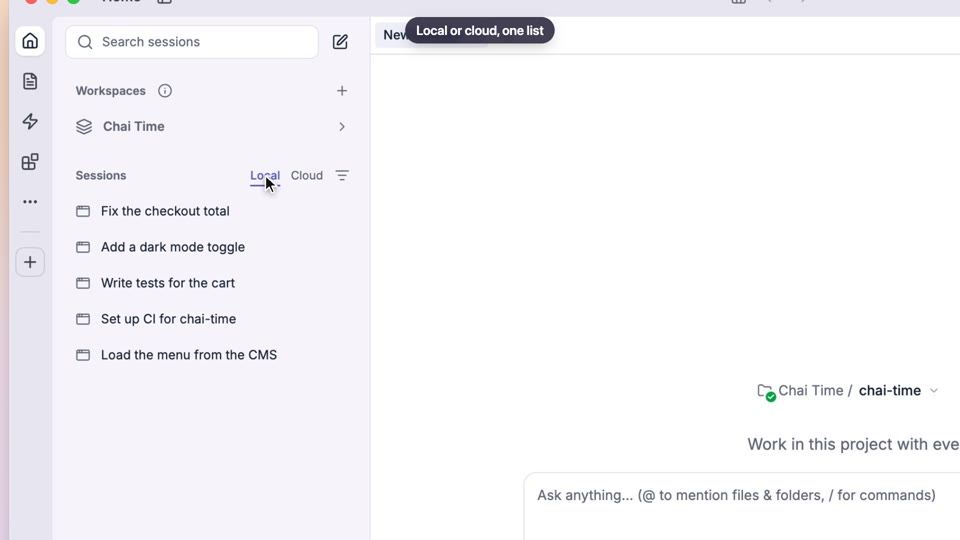
Cloud chats with their own computer
BetaAgent work your team can share, review and continue
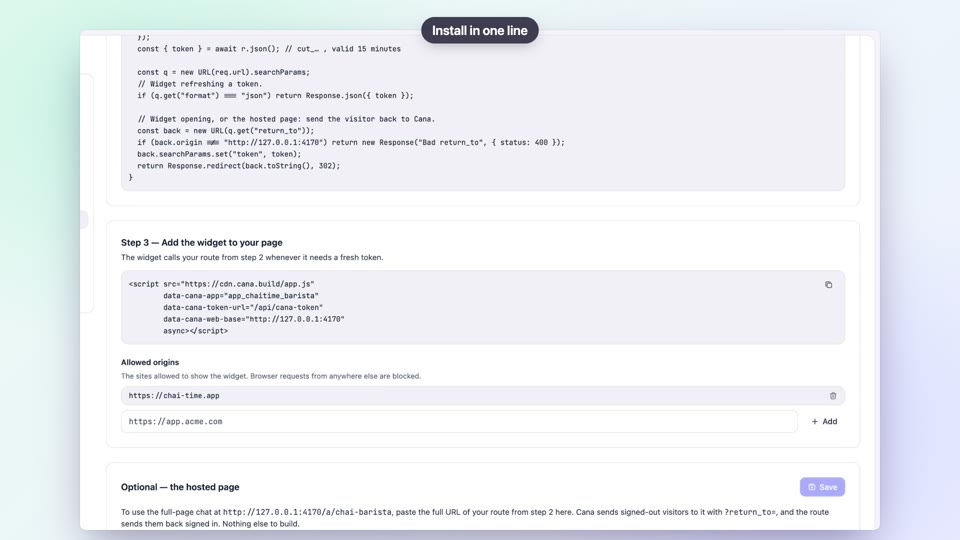
Twins: an agent inside your product
Launch a customer agent your team can tune, with limits in place
Artifacts: mockups, decks and documents
Review your team's designs and decks in one place
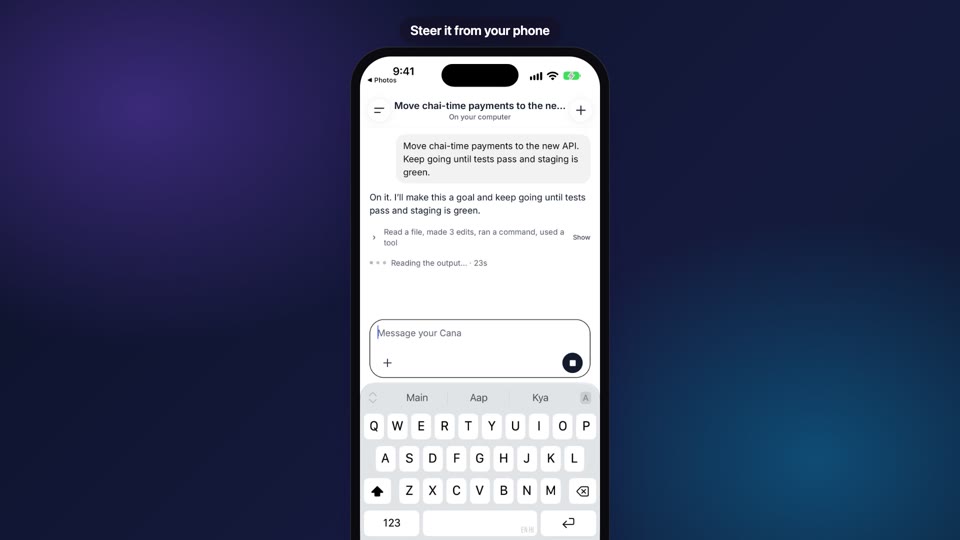
Your agents, in your pocket
See your team's agent work and make the call from the phone
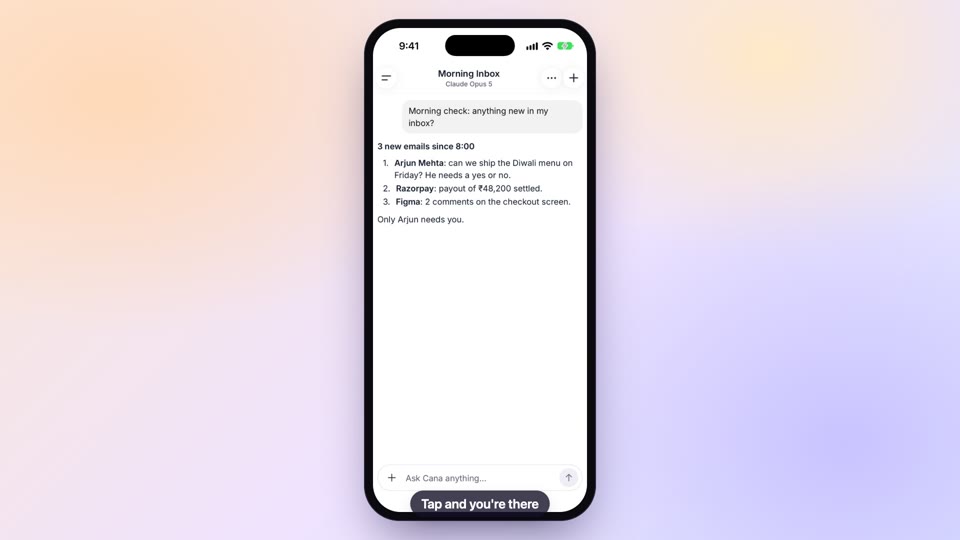
The Cana mobile app
Approve plans and follow your team's channels on the go
Notifications that keep work moving
Hear about failures and approvals without watching dashboards
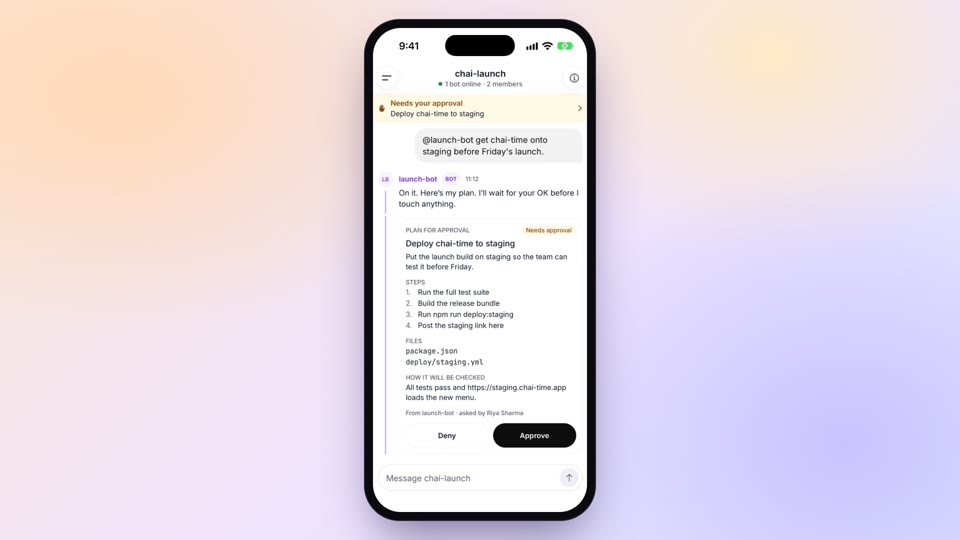
Approve, answer and unblock from anywhere
Approve your team's agent plans before work starts, from anywhere
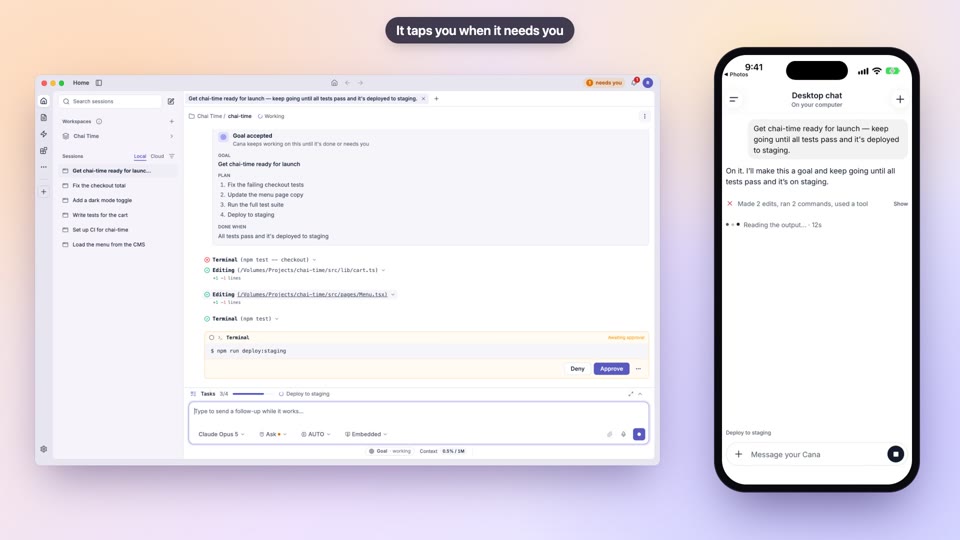
Drive your desktop agent from your phone
Keep work on company machines and still follow it from the phone
Start work from anywhere
Get the team's next piece of work started from the meeting room
Sign-in and account security
Require two-step sign-in and keep team access tidy